Hardware
48-inch or 70-inch 4K TV: Why doesn't the picture look the same at the same resolution?
Two 4K TVs can have the same 8.3 million pixels and still look different. Understand PPI, screen size, distance, panel, HDR, and what really matters before you buy.
By Ederson Andrade · August 30, 2026 · 12 min read
Audio
Listen to this article
15 minutes, approximately
Hello! Today I'm going to teach you how to choose a TV.
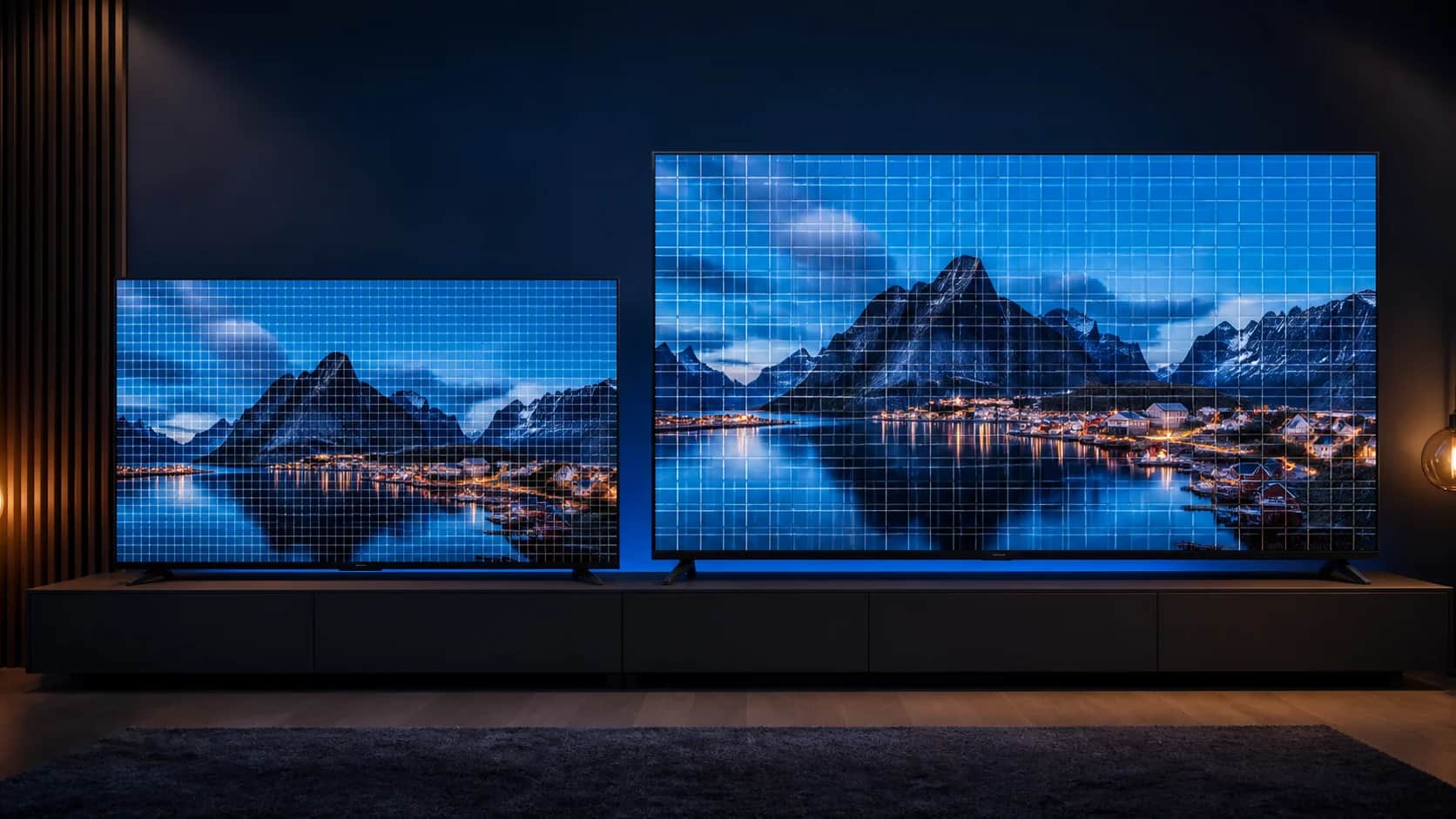
You've probably walked into a store and found a 48-inch 4K TV, and next to it, another 70-inch 4K TV.
Both are 4K. So the image quality should be the same, right?
Not exactly.
The two screens can have the same resolution and still produce different perceptions of sharpness. That's because resolution, physical size, pixel density, and viewing distance are different parts of the experience. And none of them alone determines whether a TV is good.
In this guide, we'll separate these concepts without complication and get to what should really be observed before buying.
First: what does a 4K TV mean?
In the television market, 4K UHD typically means an image formed by 3840 columns and 2160 rows of pixels.
Multiplying these two numbers, we arrive at 8,294,400 pixels, or approximately 8.3 million. A Sony explains the same count in its guide on 4K and 8K.
That's true for a 48-inch, 55-inch, 65-inch, 70-, or 75-inch 4K TV. The size changes, but the 3840 × 2160 die stays the same.

Resolution and size are not the same thing
When a manufacturer informs that a TV is 70 inches, this number measures the physical diagonal of the screen. 3840 × 2160 informs how many pixels make up the image.
Imagine that you have exactly 8.3 million small tiles to cover two walls. One wall is smaller and the other is larger. To fill the larger wall with the same amount of tiles, each tile needs to occupy a larger physical area.
This is what happens with screens. It is not correct to say that pixels are simply more separated. On a larger screen, the same number of pixels is distributed over a larger physical area. Therefore, each pixel has larger physical dimensions and there are fewer pixels in each inch.

What is PPI?
PPI is the acronym for pixels per inch, or pixels per inch. It's a measure of density.
The higher the PPI, the more pixels fit on each inch of the screen. The lower the PPI, the larger the physical size of each pixel at that resolution tends to be.
For a 4K 16 display:9, the calculation uses the diagonal in pixels divided by the physical diagonal in inches:
PPI = √(3840² + 2160²) ÷ diagonal in inches
The approximate result looks like this:
| Size | Resolution | Total pixels | Approximate PPI |
|---|---|---|---|
| 48 inches | 3840 × 2160 | 8.294.400 | 92 PPI |
| 55 inch | 3840 × 2160 | 8.294.400 | 80 PPI |
| 65 inches | 3840 × 2160 | 8.294.400 | 68 PPI |
| 70 inch | 3840 × 2160 | 8.294.400 | 63 PPI |
| 75 inch | 3840 × 2160 | 8.294.400 | 59 PPI |

O Tecnoblog defines PPI as the number of pixels in each inch and also remembers that the reasonable distance from a TV makes it difficult to identify the pixels. This second part is essential.
Distance completely changes perception
If you compare a 48-inch 4K TV and a 70-inch TV side-by-side, looking at both from the same short distance, the smaller one can look thinner and sharper because it has higher density.
But a TV isn't used like a sheet of paper placed in front of your face. As you move away, the angular size of each pixel decreases. There comes a time when your eyes can no longer easily distinguish individual pixels or small differences in density.
A Sony uses as a minimum reference for 4K a distance equivalent to 1.5 times the height of the screen. The RTINGS guide lists size, resolution and field of view, suggesting around 40 degrees for a more cinematic experience and 30 degrees for mixed use.
The table below uses these two field-of-view references to form a practical and comfortable range. It's not an absolute rule. Personal preference, vision, content type, and room layout also count.
| 4K TV Size | Approximate Practice Range | How it tends to look |
|---|---|---|
| 48 inches | 1.5 to 2.0 m | Immersive near 1.5 m; comfortable for mixed use near 2 m |
| 55 inch | 1.7 to 2.3 m | Good combination for movies, series and games in medium theaters |
| 65 inches | 2.0 to 2.7 m | Large screen without requiring a huge room |
| 70 inch | 2.1 to 2.9 m | More immersion; requires attention to the quality of the source |
| 75 inch | 2.3 to 3.1 m | Cinema experience in a room with adequate distance |

4K content allows you to watch a large screen relatively close without easily noticing the structure of the pixels. This increases immersion. If the distance is too great, however, some of the additional detail of 4K is no longer noticeable.
Does more PPI mean better TV?
Not necessarily. PPI measures pixel density and can influence perceived sharpness, especially up close. It does not measure contrast, brightness, color accuracy, motion, processing, or panel quality.
An excellent 65-inch OLED can deliver much higher picture quality than a cheap 50-inch 4K LCD TV, even if the smaller TV has higher PPI.
This is because image quality depends on a set:
- Screen Technology: OLED has self-emissive pixels; LCD and QLED use backlighting; Mini LED uses smaller LEDs and more zones to control this light with greater precision.
- Contrast and black level: the better the TV controls dark areas, the greater the sense of depth.
- Brightness: important in bright rooms and for HDR highlights.
- HDR: It depends on the accepted format, but also on brightness, contrast, colors, and tone mapping. Having the HDR logo does not guarantee an impactful presentation.
- Color gamut and accuracy: a TV can show more colors, but they need to be reproduced correctly.
- Image processing: noise reduction, upscaling, gradations, and motion control greatly affect sources below 4K.
- Update Rate and Response: important in sports and games.
- Supply Quality: Low bitrate, strong compression, or low-resolution video continue to limit the image. A Sony warns that a 4K TV does not automatically turn all streaming into true 4K.
- Distance from the spectator: by far, small differences in PPI lose importance.
OLED, QLED, Mini LED and LCD.
A QLED TV remains a backlit LCD TV, but it uses quantum dots to improve color reproduction. The term does not mean that each pixel produces its own light.
Mini LED is also an evolution of LCD TVs. The backlight uses much smaller LEDs, which allows for more control by zones and can improve brightness, black, and contrast. There may still be some halo around bright objects on a dark background, depending on the model and the number of zones.
OLED works in another way: each pixel produces its own light and can turn itself off individually. This allows for very deep black, contrast per pixel, and fast response. As a counterpoint, OLED often costs more, brightness and reflections need to be evaluated for the room, and the very prolonged use of static elements deserves care, even with modern panel protection systems.
If you play, size and 4K aren't everything
A 70-inch 4K TV with a native 60Hz panel may be less interesting for competitive gaming than a smaller TV with a native 120Hz panel, VRR, and low input lag.
60 Hz vs 120 Hz
A 60Hz screen refreshes the image up to 60 times per second. A 120Hz screen can refresh up to 120 times, as long as the game, console, HDMI input, and TV itself are compatible.
In games capable of running at 120 frames per second, this can make movement more fluid and reduce the lag between the controller and the next frame. O PS5 offers 4K output at 120Hz over HDMI 2.1, but each game decides which graphics modes it supports. Xbox Series X/S and PCs can also enjoy high rates, respecting the limits of each device and game.
VRR, ALLM, HDMI 2.1 and input lag
- VRR: adjusts the TV refresh to the variable speed at which the console or PC delivers the frames, reducing tearing and stuttering.
- ALLM: allows the TV to automatically enter low latency mode when it detects a game.
- HDMI 2.1: it can carry modes like 4K at 120Hz, but you have to check what features and ports the model actually offers.
- Input lag: It is the delay between your command and the reaction visible on the screen.
- Response Time: It measures the transition speed of pixels. It's not the same thing as input lag.
A HDMI Licensing Administrator describes VRR and ALLM as distinct features. This also shows why looking at the expression "HDMI 2.1" alone is insufficient: confirm 4K120, VRR, ALLM, and the number of compatible ports.
Beware of software numbers
Native rate is the physical capacity of the panel. Interpolation, frame insertion, and modes such as Game Accelerator may produce a different sense of motion, but they do not automatically transform a native 60 Hz panel into a native 120 Hz panel.
TCL itself reports that the P7K's Game Accelerator emulates an experience of up to 120 Hz over a 60 Hz native frequency panel. This transparency is important when comparing ads.
How to choose without falling into the wrong comparison
Before buying, follow this order:
- Measure the distance between the couch and the position of the screen.
- Choose a size range that fills your field of vision well.
- Confirm the panel type and native frequency.
- Compare brightness, contrast, HDR, and reflection handling.
- For gaming, check 4K120, VRR, ALLM, input lag, and compatible ports.
- Confirm that your services and devices deliver good quality 4K content.
- Watch the TV in person if possible, and turn off the overly saturated mode used in many stores.
A simple tip is to mark on the wall, with removable tape, the outline of the sizes you are considering. This way you understand the real scale before receiving a huge box at home.
Three 4K TVs for three budgets
Transparency: The links below are affiliate. TecEdi may receive a commission if you buy through them, at no additional cost to you. Price, stock, seller and selected size may change; check the ad before finalizing.
Input: 50-inch TCL P7K
The P7K is a cost-effective option for those who want 4K, quantum dots and Google TV. A TCL official website QLED list, Dolby Vision, HDR10+, AiPQ processor, and gaming features.
The point that needs to be clear is the frequency: the panel is 60 Hz native. Game Accelerator uses processing to offer emulated VRR up to 120 Hz. For movies, series and casual games, the set may make sense for the price. For those who demand native 4K120, it's not the right choice.
Mid-range: 43-inch Samsung Neo QLED QN90F
The selected link leads to the 43-inch QN90F. It represents a big leap in light control and gaming features: it uses Mini LED, offers high brightness, better contrast than a basic LCD, VRR, FreeSync Premium Pro and four HDMI 2.1 compatible inputs.
A Samsung reports up to 165 Hz rate and 4K signal on the four HDMI 2.1 ports. It is an especially interesting option for those who play close to the screen or have a smaller room. The obvious disadvantage in this comparison is the size: 43 inches delivers less immersion at a distance than a 55 or 65.
See the Samsung Neo QLED QN90F on Mercado Livre
Premium: 55-inch LG OLED evo C6
For those who prioritize image quality and games, the C6 brings together self-emissive pixels, black per pixel, very high contrast, Dolby Vision, response of less than 0.1 ms and extensive VRR support.
At official Brazilian sheet of the LG C6 55-inch, the panel appears as native 120 Hz with VRR up to 165 Hz, as well as G-SYNC, FreeSync, ALLM and Dolby Vision for 4K gaming at 120 Hz.
Its advantages are black, contrast, response time, and consistency per pixel. Limitations include higher price, the need to consider reflections and room brightness, and the common precautions of OLED with static elements displayed continuously.
See the LG OLED evo C6 on Mercado Libre
After all, 48 or 70 inches?
If both TVs are 4K, the 48-inch will have higher PPI and may appear thinner when viewed from the same short distance. The 70-inch will have physically larger pixels, but it can also deliver a much more immersive experience when installed at the proper distance.
The best choice is not "the one with the most PPI" or "the largest that fits on the wall". It's the right combination of size for the room, panel, contrast, brightness, HDR, processing, motion, gamer features, content source, and budget.
In summary: resolution tells you how many pixels there are; PPI tells you how concentrated they are; distance determines how much of that difference you notice; and image quality depends on everything else.
Sources consulted
- Sony: What are 4K and 8K
- Sony: Recommended distance to watch TV
- Sony: why a stream may not appear in 4K
- Tecnoblog: what is pixel density, PPI
- RTINGS: Relationship between TV size and distance
- HDMI Licensing Administrator: HDMI Specification Features
- PlayStation: PS5 support HDMI 2.1 and 4K at 120Hz
- TCL Brazil: P7K Specs & Features
- Samsung Brazil: 43-inch Neo QLED QN90F
- LG Brazil: 55-inch OLED evo C6